
unlucidai.io

Get free video attempts dailyGo unlimited

Extend Video

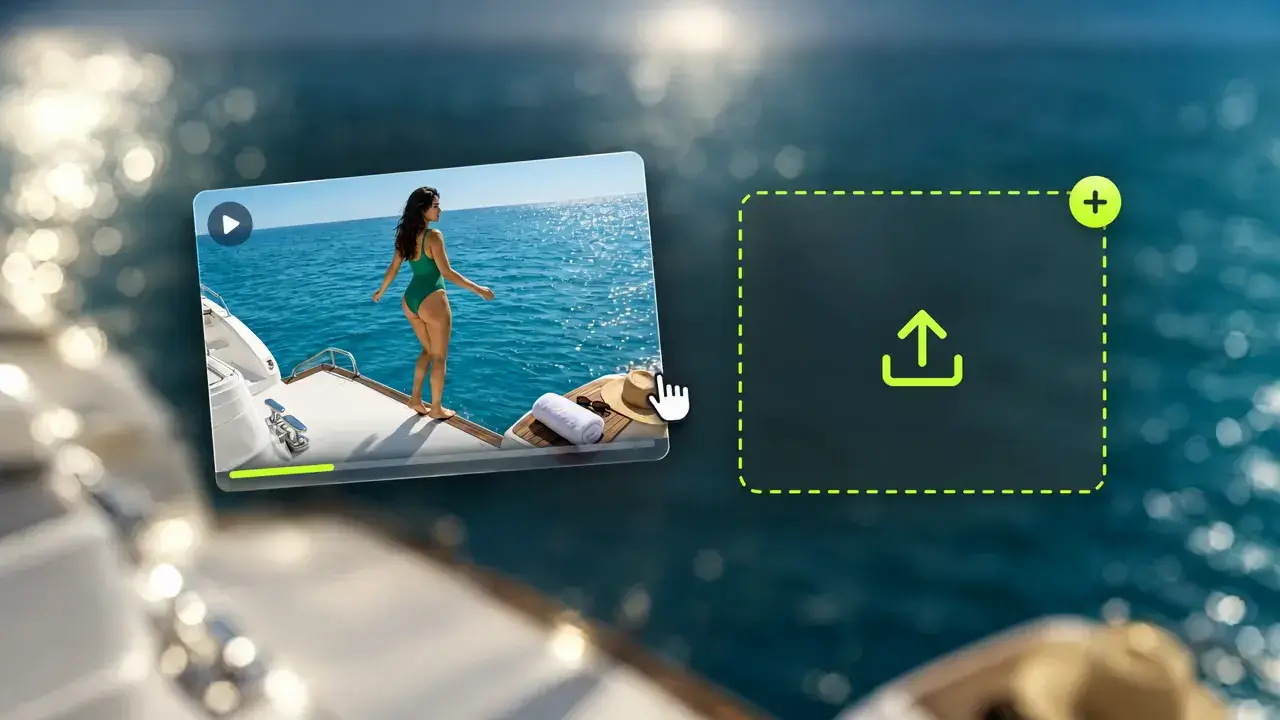
  1. Upload a Video

    Choose the footage you want to extend.

  2. Describe What Comes Next

    Use the prompt to guide the next part of the scene.

  3. Generate and Preview

    Choose your settings and review the extended clip.

  1. Upload a Video

    Choose the footage you want to extend.

  2. Describe What Comes Next

    Use the prompt to guide the next part of the scene.

  3. Generate and Preview

    Choose your settings and review the extended clip.

Video Extender: Continue the Scene and Extend Video Length

Upload the video you already have, trim it to the moment that matters, and the AI video extender writes what happens next. The new footage starts from your last frame with the same people, colours and camera move, so the result plays as one continuous shot instead of a cut.

Dance Studio: 3 Seconds Became 10 source image

Dance Studio: 3 Seconds Became 10

Upload a three-second clip and add seven seconds. She finishes the stretch, lowers her leg, turns from the barre and walks to the mirror without a jump cut.

Prompt: She lowers her leg from the barre, turns toward the mirror, fixes her hair and smiles at her reflection, camera keeps drifting right.

Coastal Road: Let the Car Keep Driving source image

Coastal Road: Let the Car Keep Driving

A short drone shot of a sports car gets five more seconds of road, and the sunset light stays exactly where it was.

Prompt: The car keeps driving along the cliff road and rounds the next bend, the drone follows and slowly rises, the ocean opening up below.

Make It Longer Without Reshooting

An AI video continuer for any clip: pick a moment, add time, keep the look.

Trim, Then Extend

Trim, Then Extend

Set the start and end of the segment to keep, so the new footage grows from exactly the frame you choose.

Upload a clip
Continue the Scene, Not a New One

Continue the Scene, Not a New One

The extension keeps the characters, outfits, colours and camera direction of your original clip. It plays as the next few seconds, not a different video.

Continue a scene
Add 2 to 30 Seconds per Pass

Add 2 to 30 Seconds per Pass

Pick how much time to add. Need more? Extend the result again and build a long video one pass at a time.

Add time

How to Extend Video Length With AI

Three steps from a short clip to a longer one.

  1. Upload Your Video

    MP4, MOV, M4V, WebM or MKV. The panel shows the size, duration and resolution limits.

  2. Trim and Describe

    Keep the part to continue, then write what happens next in the prompt.

  3. Choose the Length and Generate

    Add 2 to 30 seconds, generate, and download the longer video from History.

Extend Video Time for Ads, Music Videos and Stories

Whenever a shot ends a few seconds too early.

Stretch a 6-Second Ad to 15

Stretch a 6-Second Ad to 15

Turn a bumper ad into a full social spot without reshooting the product.

What Editors Say About This AI Video Extender

Feedback from people who make their clips longer here.

No Visible Seam

I extended a dance clip twice and nobody can tell where the original ends.

Illustrated demo avatar
Bella R.Dance content creator

AI Video Extender FAQ: Grok, Kling and More

How extending works, how long it can go and what's allowed.

It continues a video you already have. You upload a clip, choose where it should end, and the AI generates new footage that carries on from that frame.