
unlucidai.io

Get free video attempts dailyGo unlimited

Reference to Video

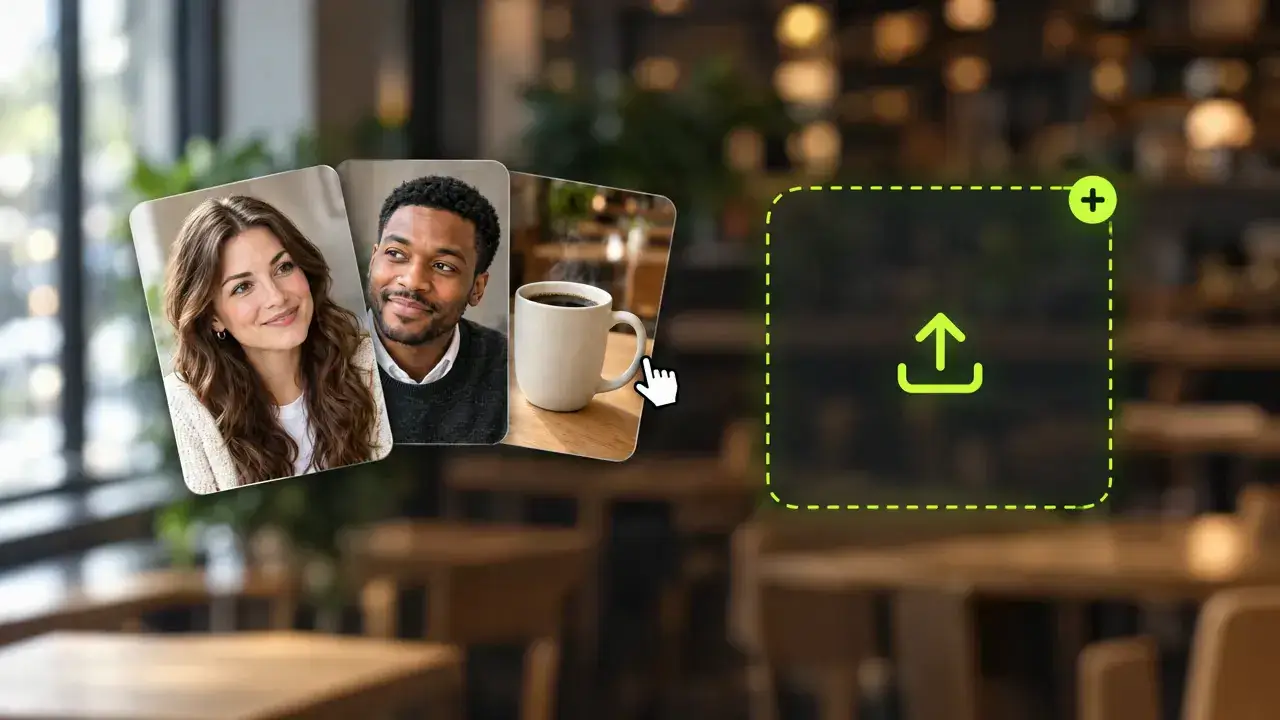
  1. Upload a Photo

    Add a PNG, JPG or WEBP up to 20 MB. It becomes the first frame of your video.

  2. Describe the Motion

    Say what moves and how the camera behaves, such as "she turns, smiles, the camera pushes in".

  3. Generate and Download

    Pick the settings, generate, then download the clip or extend it from history.

  1. Upload a Photo

    Add a PNG, JPG or WEBP up to 20 MB. It becomes the first frame of your video.

  2. Describe the Motion

    Say what moves and how the camera behaves, such as "she turns, smiles, the camera pushes in".

  3. Generate and Download

    Pick the settings, generate, then download the clip or extend it from history.

Reference to Video: Tag Your Images, Clips and Audio With @

Reference to video AI builds a new clip from the material you give it. Upload a face, an outfit, a product or a short video, mention each one with @ in the prompt, and the model keeps them recognisable in a scene it has never seen. It's the fastest way to make a series where the character doesn't change between shots.

@character1 in @dress1, Night Out source image

@character1 in @dress1, Night Out

Two references, one prompt. The face comes from the character photo and the backless dress from the outfit photo, and they meet in a scene neither image showed.

Prompt: @character1 wearing @dress1 walks down a hotel corridor at night, looks back over her shoulder and smiles, slow tracking shot, warm sconce light.

@product1 on @scene1 source image

@product1 on @scene1

A product shot and a location photo combined into one ad shot. The label stays readable and the setting matches the reference.

Prompt: @product1 sits on the marble counter from @scene1, morning sun moves across it, a hand reaches in and picks it up, macro push-in.

AI Reference to Video That Holds the Look

Give the model something to copy and it stops guessing.

Videographer AI for Consistent Characters

Videographer AI for Consistent Characters

Use the same face and outfit references across every clip and your character looks like the same person from episode one to episode ten.

Add a character
Pic to Video AI With @ Tags

Pic to Video AI With @ Tags

Type @ in the prompt to pick a specific reference, so each sentence says who leads the shot and what they're wearing.

Write with @
AI Video Creator That Borrows Motion

AI Video Creator That Borrows Motion

Add a short video reference to carry its camera move or pacing into the new shot instead of describing it from scratch.

Use a video

How to Reference to Video in Three Steps

Upload, tag, generate.

  1. Upload Your References

    Add the images, videos or audio the result should follow. The panel shows how many of each the selected model accepts.

  2. Tag Them in the Prompt

    Write the scene and use @ to name the reference that should lead each action.

  3. Generate and Compare

    Generate, review the clip in History and reuse the same references for the next shot in your series.

Reference to Video for Every AI Video Maker

Anywhere a face, a product or a style has to survive more than one generation.

One AI Model, a Whole Series

One AI Model, a Whole Series

Keep your virtual influencer's face and body the same across swimwear, evening and casual shoots.

What AI Video Makers Say About Reference to Video

Feedback from creators who build series with references.

Ten Clips, One Face

My virtual model finally looks like the same woman in every post. Followers stopped asking if it's a different account.

Illustrated demo avatar
Olivia H.Virtual influencer creator

Reference to Video AI FAQ

How references, @ tags and consistency work.

It's a workflow that makes a new video from reference material. You upload images, clips or audio, describe the scene, and the model keeps the faces, products and style from those references.